Aranim app iconAranim

Guide

How to play Aranim

From your first swap to a restored picture in six steps.

1. Pick a difficulty

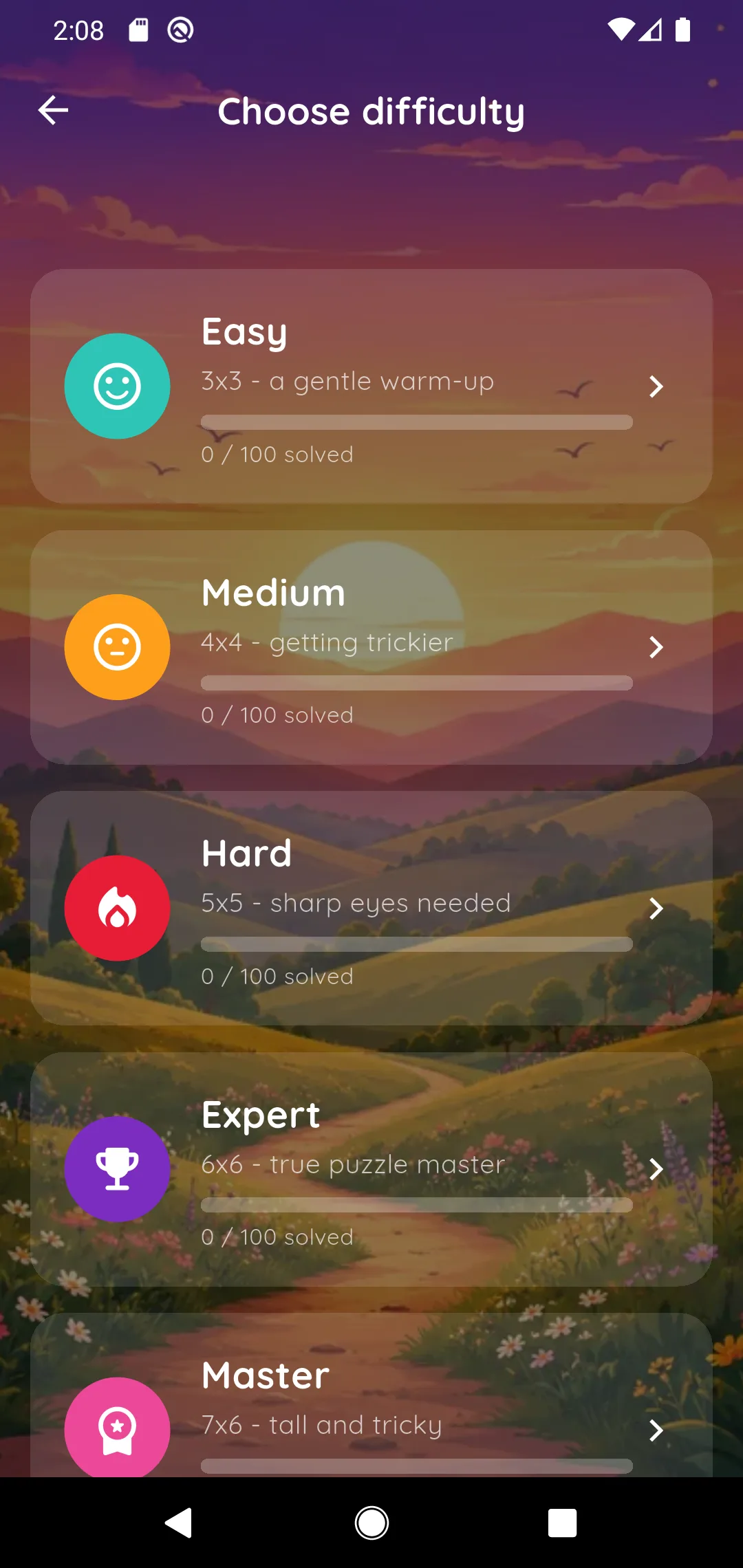
Tap Play and choose a tier: Easy (3x3), Medium (4x4), Hard (5x5), Expert (6x6), Master (7x6), Guru (8x6), Genius (9x7) or Legend (10x7). Each tier is its own campaign of 100 levels, one per picture.

Levels unlock one after another and progress is tracked per tier, so you can start gentle and move up when you are ready.
2. Swap and drag the tiles

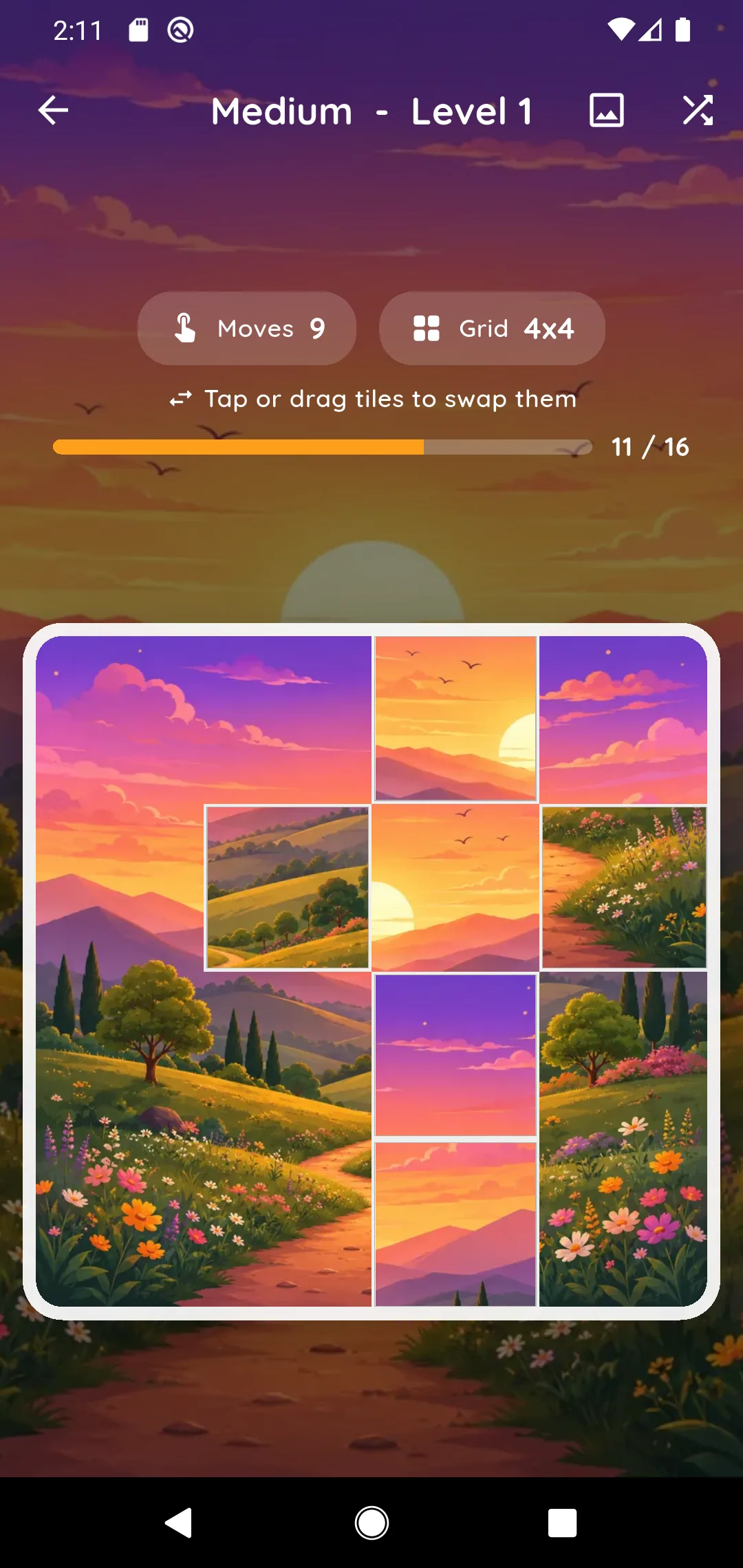
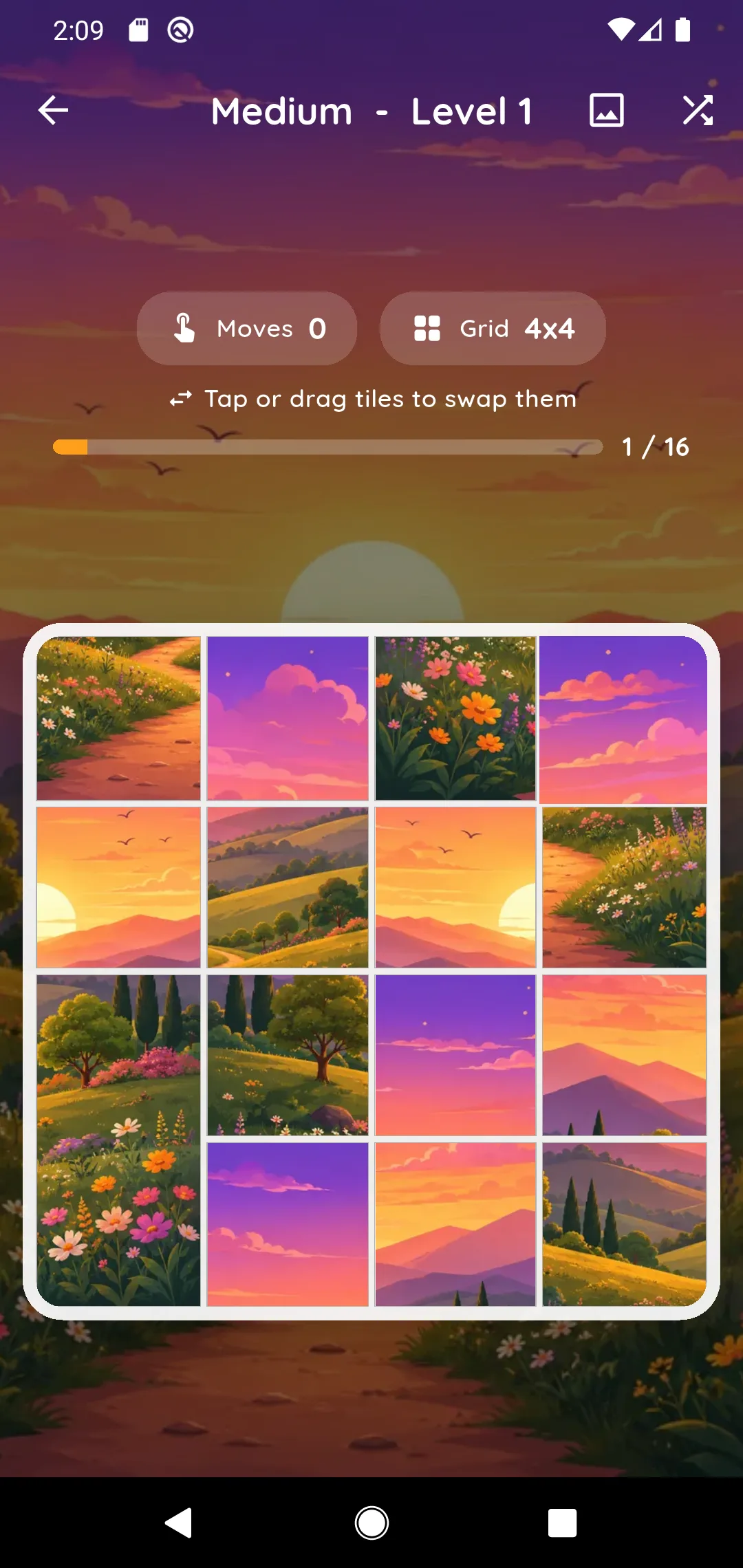
The picture starts scattered across the grid. Put every tile back in its home position to restore it.

  • Tap two tiles to swap them.
  • Drag a tile to move it. Dragging a joined group moves the whole group.

The peek button at the top shows the finished picture whenever you want a reminder, and the shuffle button starts the level over.

3. Watch the seams disappear

When two tiles that belong side by side end up next to each other, the seam between them disappears and they show one continuous picture, even if they are not yet in their final spot. Use this as your guide: build the pieces you recognise, then work out where they belong.

To pull a tile out of a joined group, tap it and the tile you want to trade it with. Tapping always swaps just those two.

4. Progress and praise

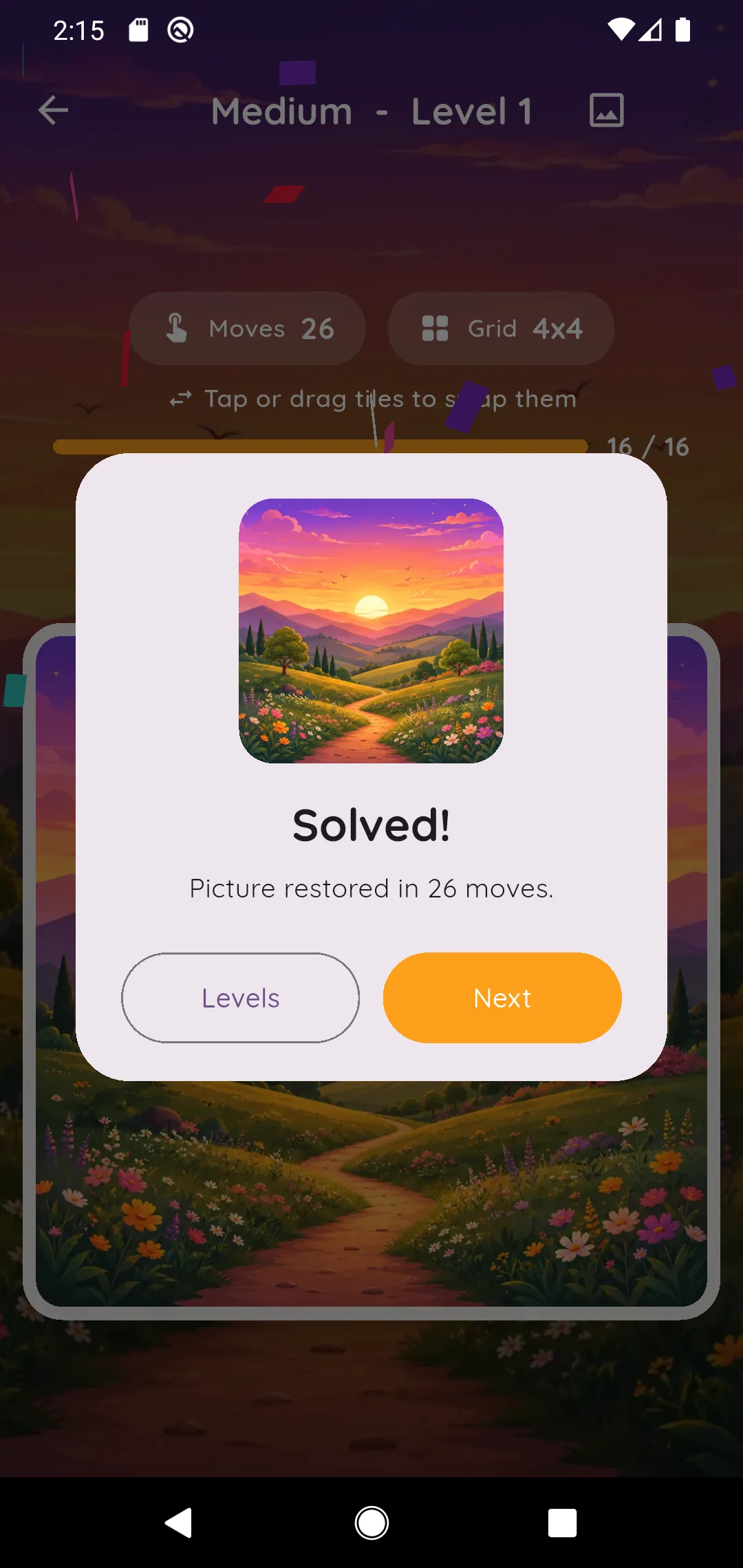
A bar above the board counts the tiles that are in the right place. Aranim cheers at 25, 50 and 75 percent, and celebrates with a fanfare when the picture is whole.

6. Sound, language and ads

Settings has separate switches for game sounds, button sounds and music (in menus and in game), and a language picker for the nine supported languages.

Aranim is free with ads. Remove Ads is a one-time purchase, and Restore Purchase brings it back on a new phone. The Privacy options entry lets you review your ad consent choices.

Stuck? See Support.