How to play
From the first tap to the last arrow
Everything you need to know, in the order you meet it in the game.
Step 1
Tap an arrow
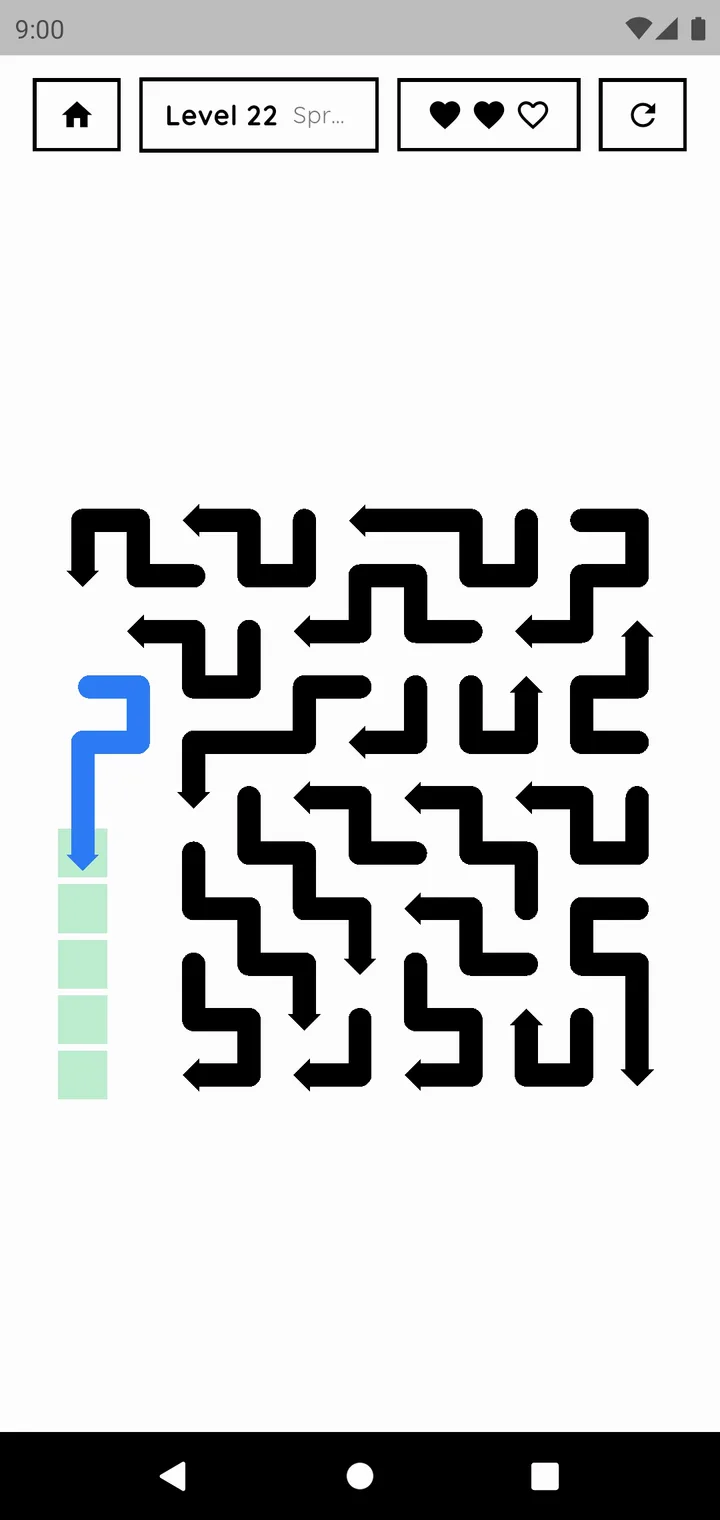
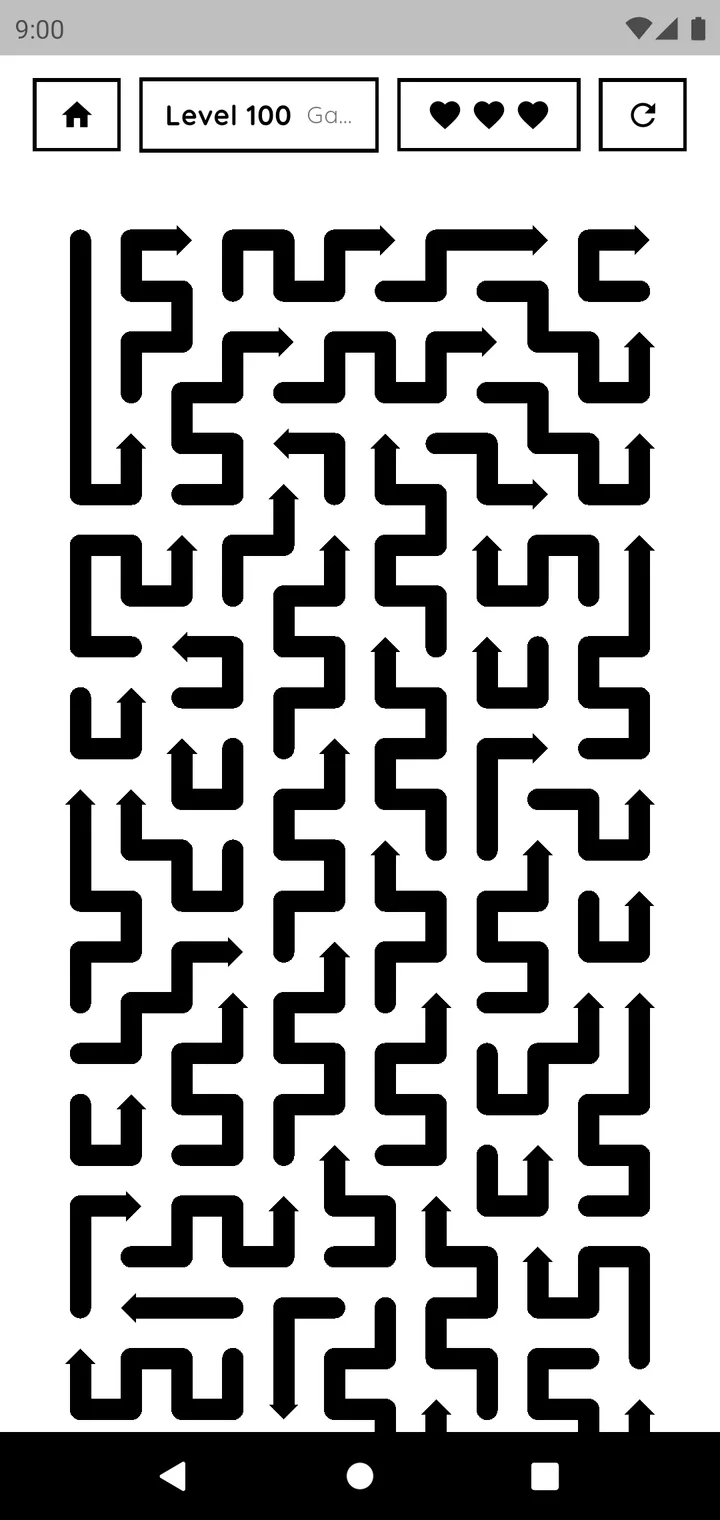
Each arrow is a line of one or more cells with a head at one end. Tap anywhere on an arrow and its whole body slides forward along its own path. The head then leaves the board in the direction it points.
When you tap, the arrow's way out lights up for a moment: green if it is clear, red if it is blocked.
Step 2
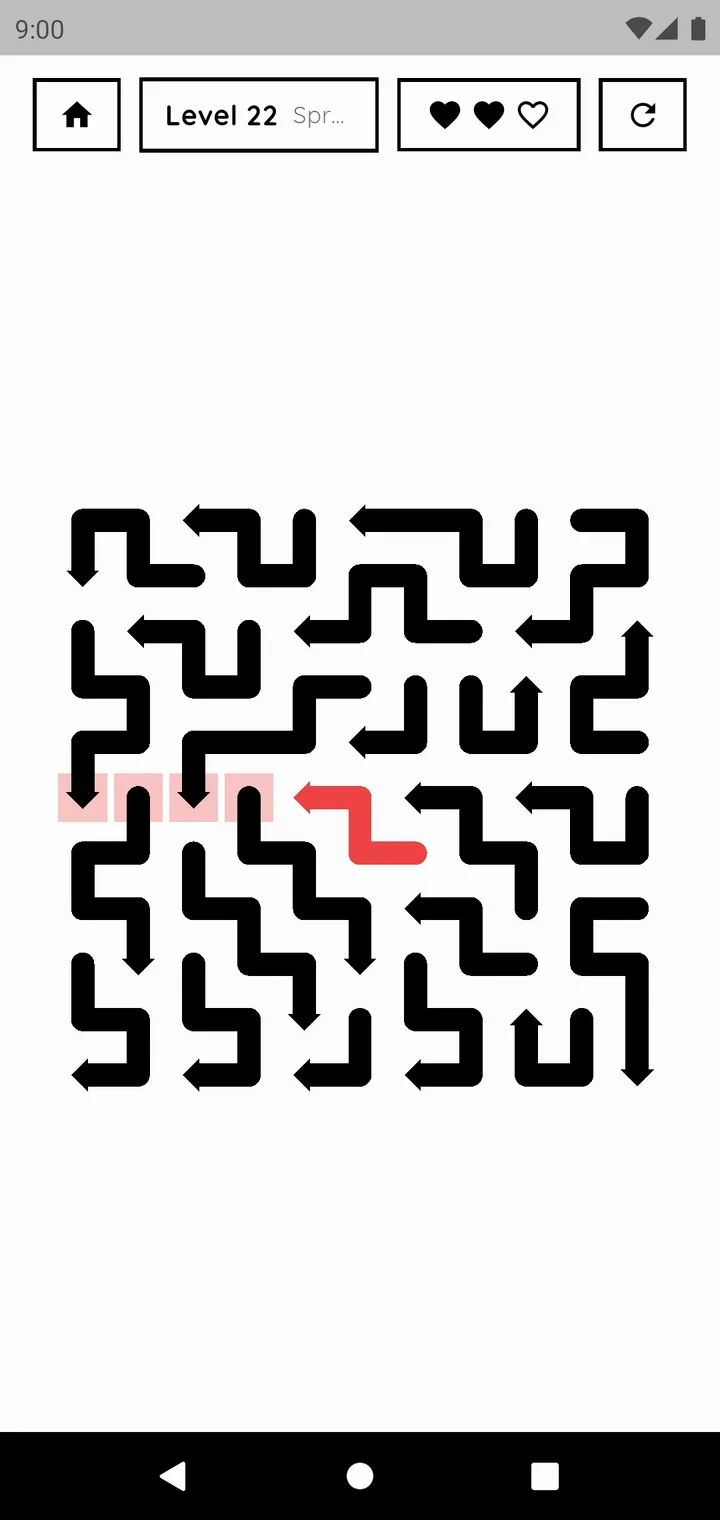
Watch out for blocked arrows
An arrow can only leave if the straight line from its head to the edge of the board is empty. If any other arrow is on that line, the move fails, the arrow flashes red and you lose a heart.
Step 3
Keep your hearts
You start every level with 3 hearts, shown at the top of the screen. Each blocked tap costs one. If you lose all 3, tap Try again to play the same level from the start with full hearts.
The restart button next to the hearts starts the level over at any time. With Arowes Pro, hearts are unlimited, so a blocked tap costs nothing.
Step 4
Clear the board
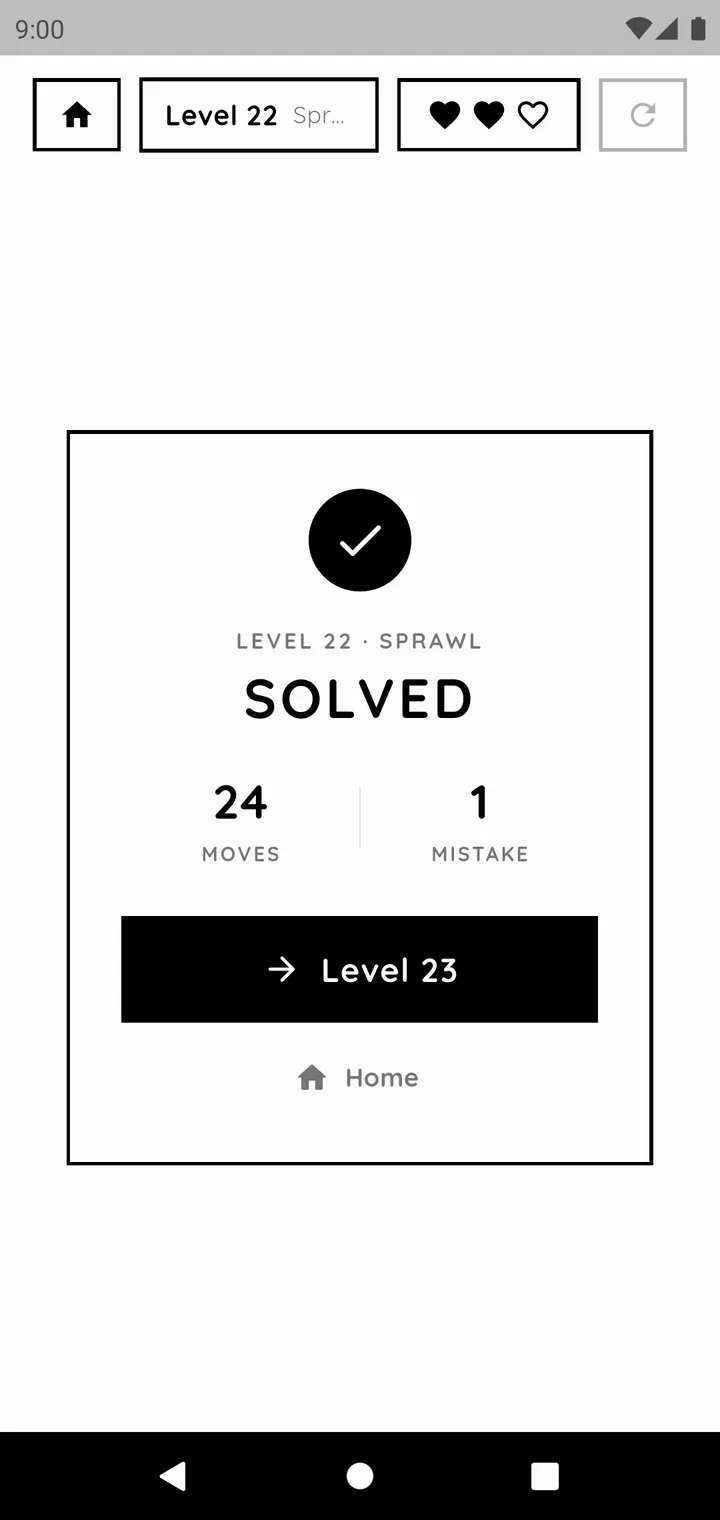
When the last arrow leaves, the level is solved. The Solved card shows how many moves you made and how many mistakes. Tap the button to go straight to the next level.
Every level is checked to be solvable, so there is always a way.
Step 5
Zoom on big boards
Boards grow as you play, from 7x7 up to 12x28. On the big ones, pinch with two fingers to zoom in and drag to move around the board.
Step 6
Pick a level
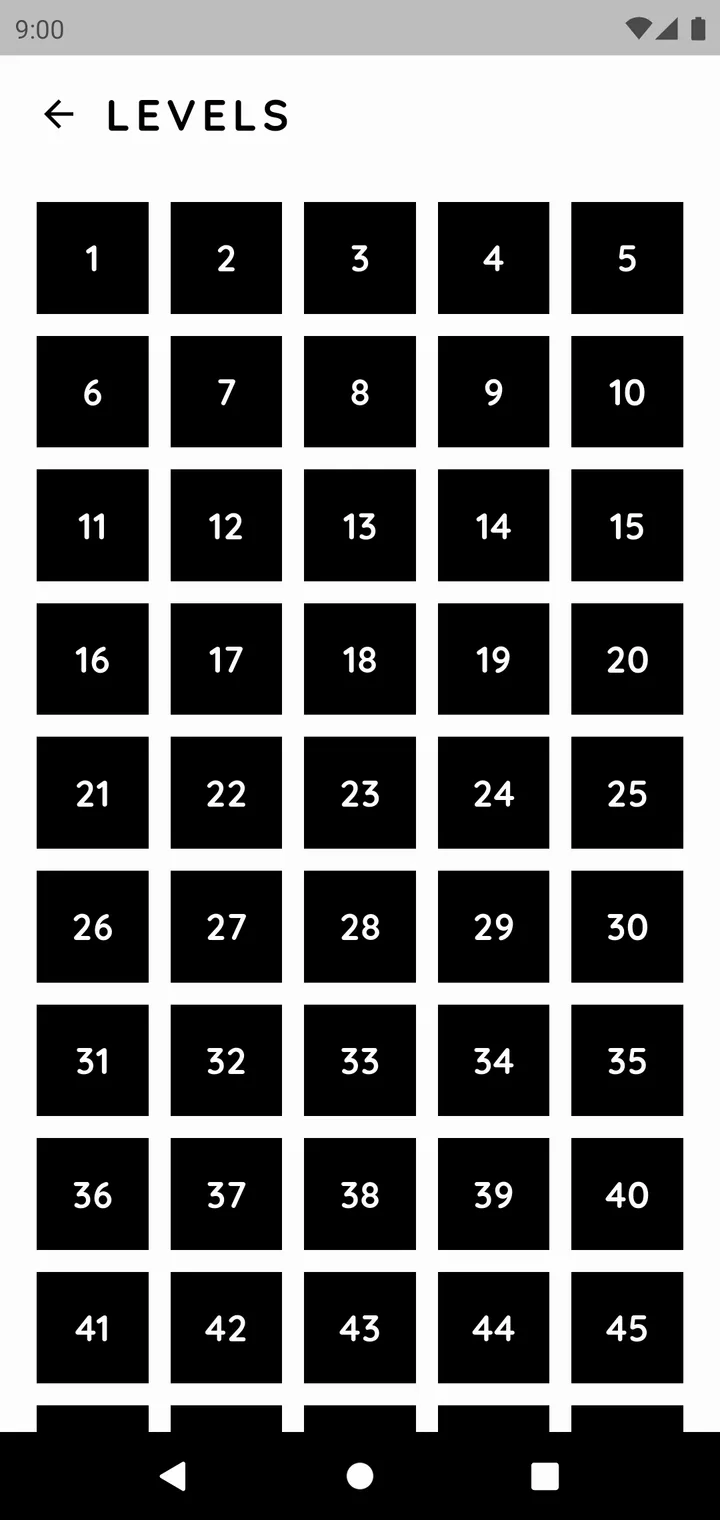
The home screen takes you back to where you stopped. Tap Levels to see all 100 levels and play any level you have unlocked again.
Sound effects and music each have their own switch in Settings, the gear on the home screen.
Ready for the first board?
Free to download for Android and iPhone.