Over-the-board chess clock
Tap your side. Their clock starts.
Put the phone beside the board, pick a time control and play. Big digits each player can read the right way up, warnings you cannot miss, and nothing else in the way.
Free to download for Android. The iPhone version is on its way.
- presets
- 8
- presets
- ads
- 0
- ads
- offline
- 100%
- offline
2:59
.
2:55
.
How it works
Three taps from pocket to first move
No accounts, no menus to dig through. The setup screen is the whole app until the game starts.
Step 1
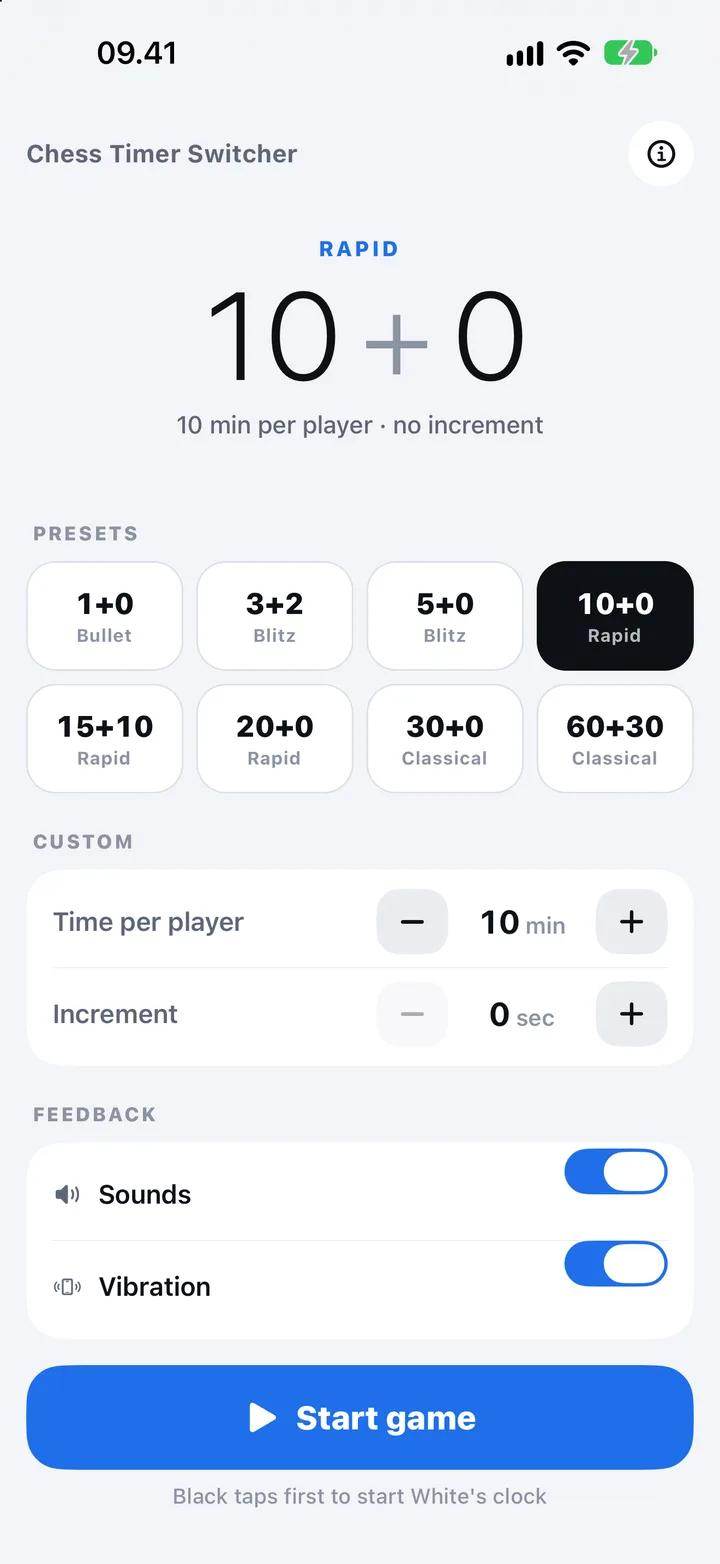
Pick a time control
Choose a preset from bullet to classical, or set your own minutes and increment. Your last choice is waiting next time.
Step 2
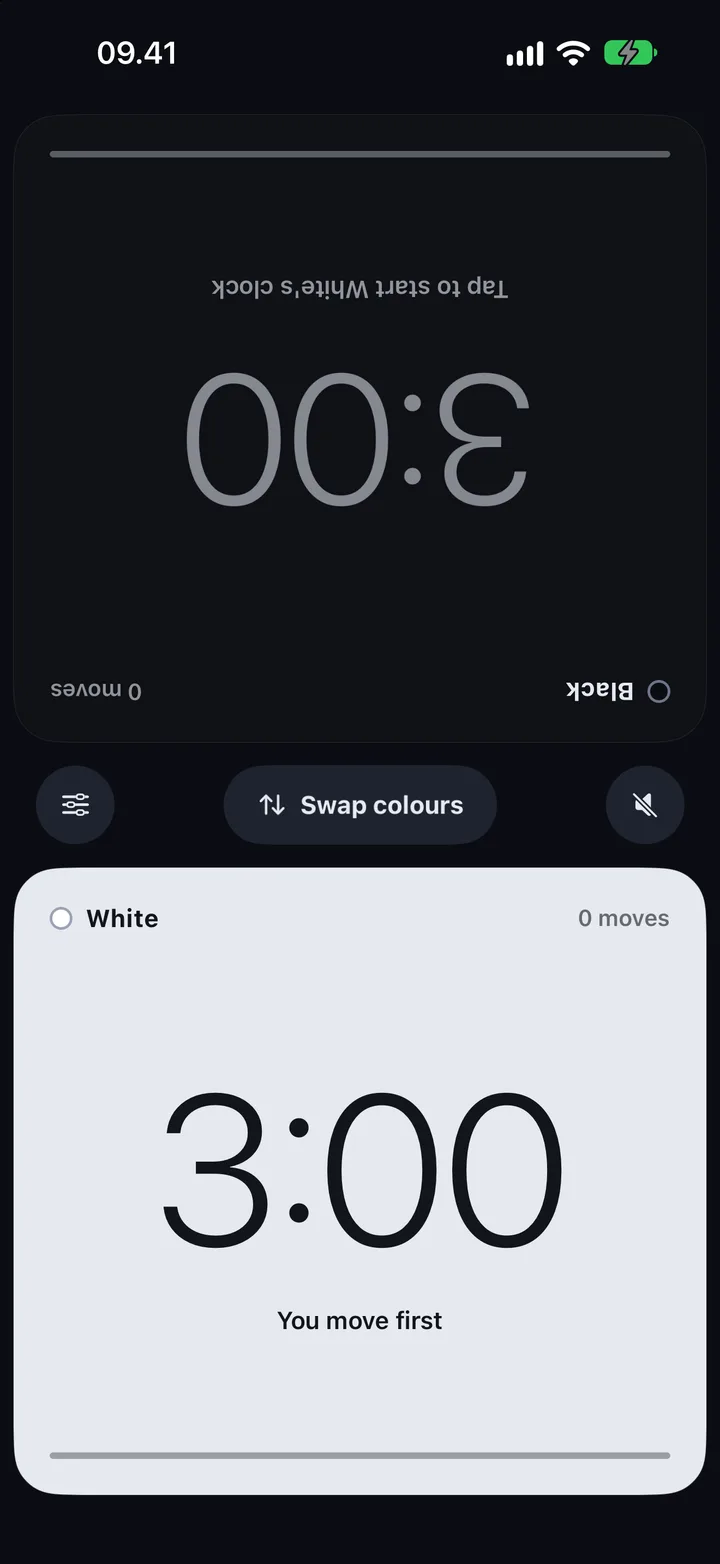
Black starts the clock
Each half faces its player. Just like a real chess clock, Black taps their half to start White's time.
Step 3
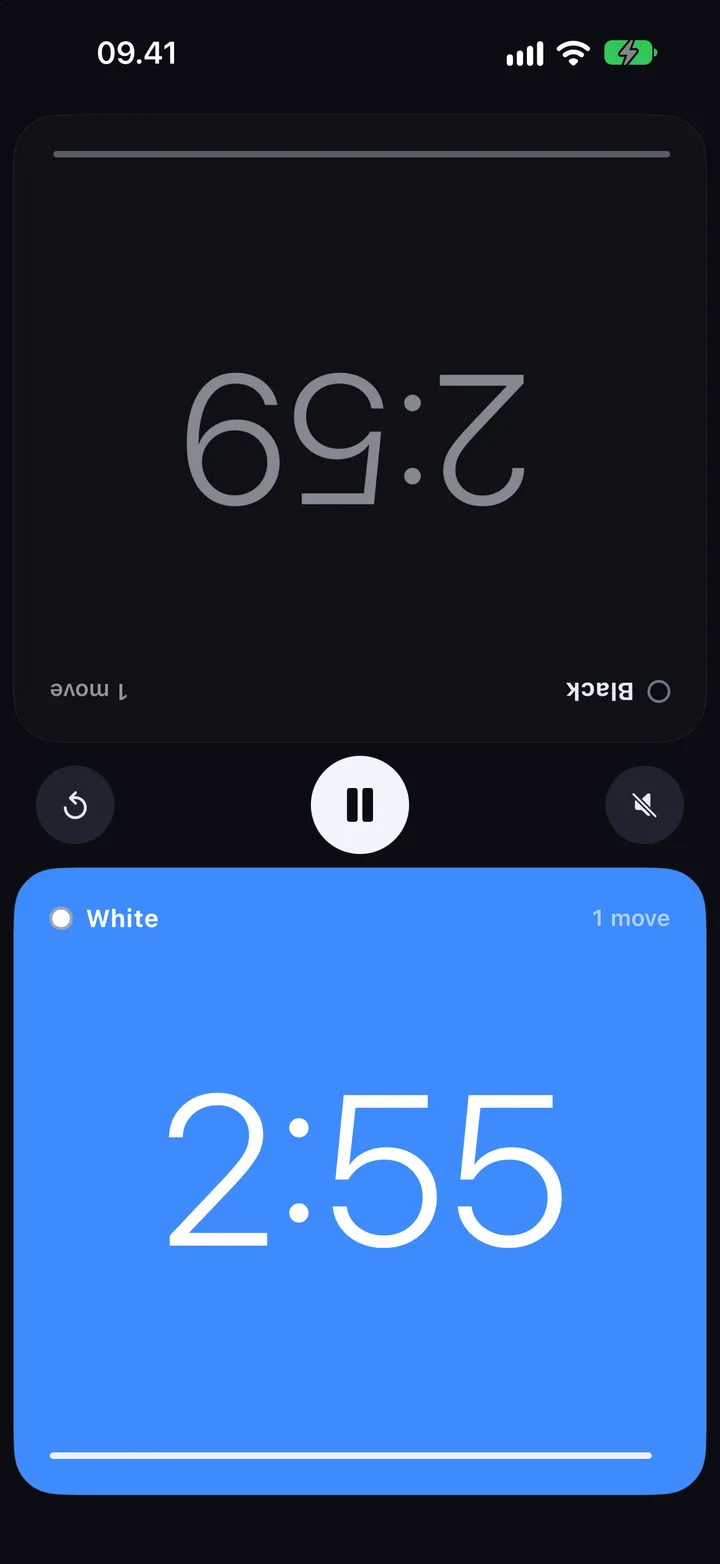
Tap after every move
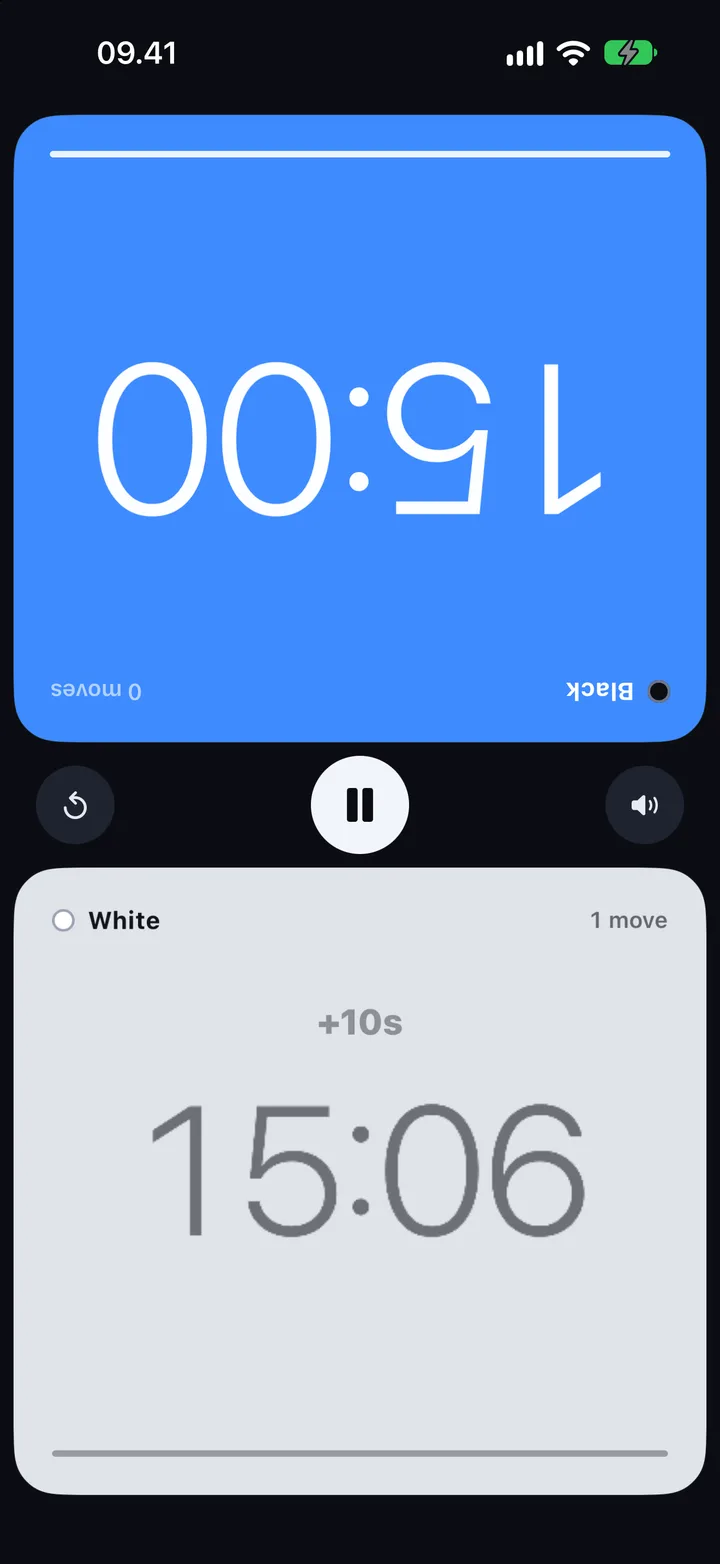
Finish your move, tap your half. Your clock stops, any increment is added and your opponent's clock starts.
Time controls
Bullet to classical, one tap each
Eight presets cover the common games. The number after the plus is the increment: seconds added every time you move.
1 + 0
Bullet
3 + 2
Blitz
5 + 0
Blitz
10 + 0
Rapid
15 + 10
Rapid
20 + 0
Rapid
30 + 0
Classical
60 + 30
Classical
Or set your own. Up to 600 minutes per player and up to 600 seconds of increment per move, with steppers on the setup screen. The app remembers your last choice.
At a glance
See time trouble coming
The clock changes colour as the seconds run out, readable from across the table.
- White
2:55
.
Running
The side to move turns blue, so a glance tells you whose clock is ticking.
- White
0:18.5
.
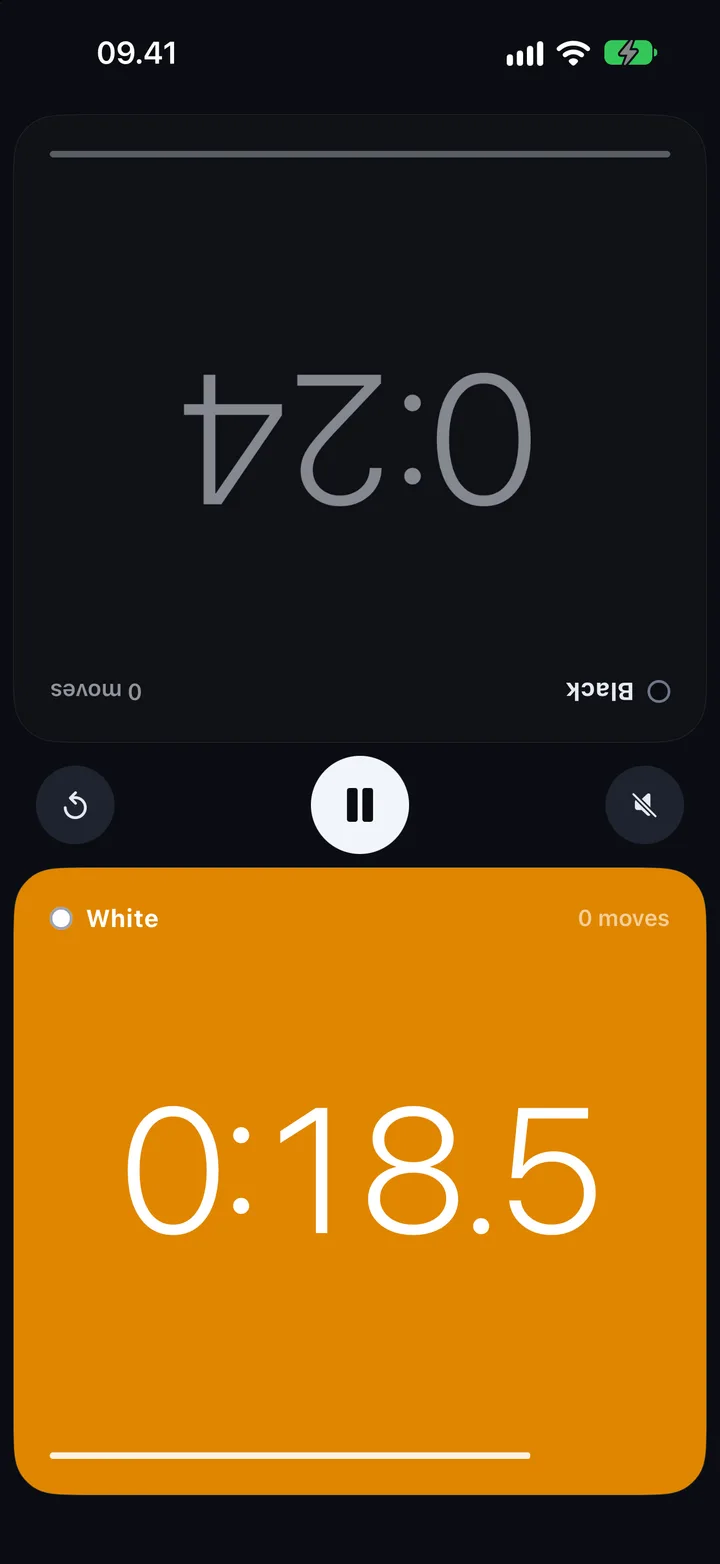
Under 20 seconds
Amber, and tenths of a second appear so every fraction counts.
- White
0:07.2
.
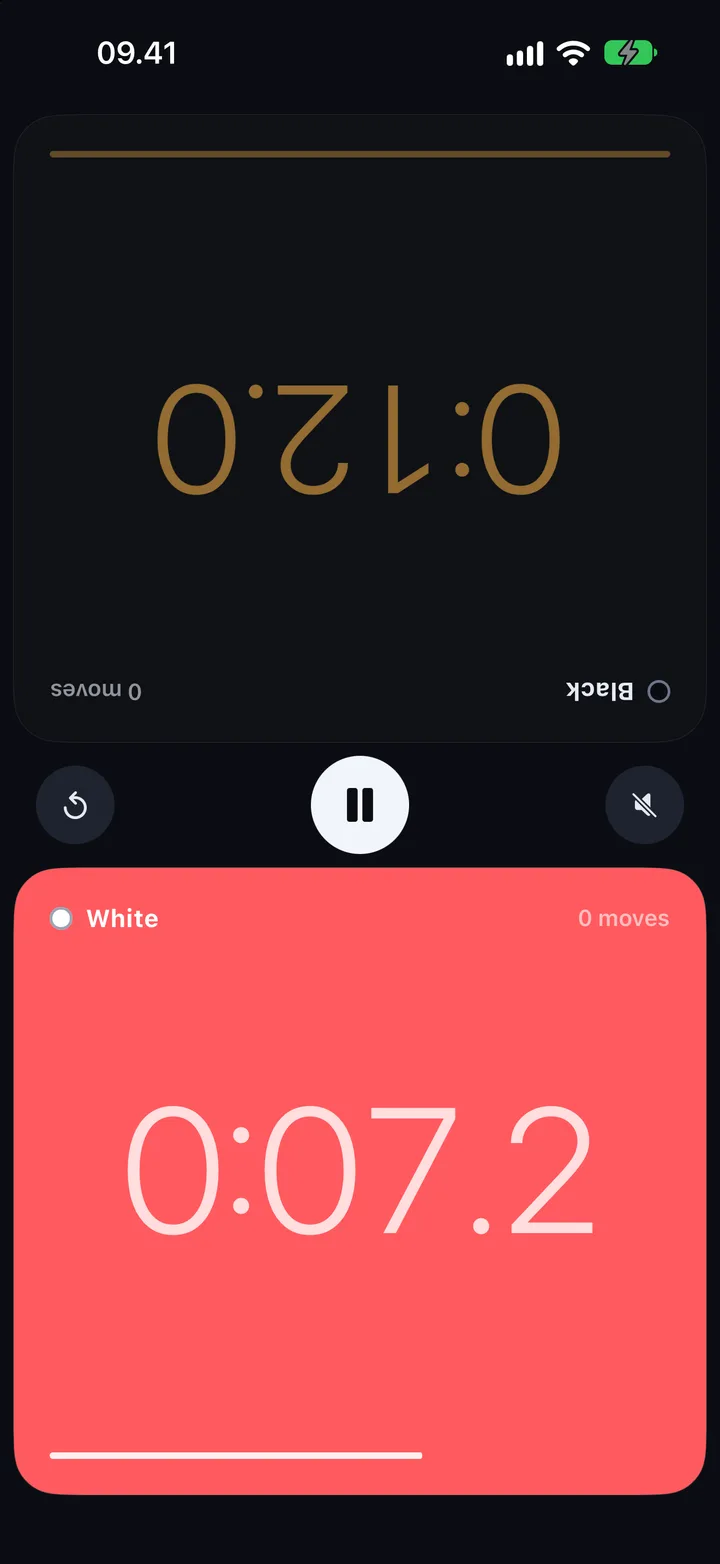
Under 10 seconds
Red and pulsing, with a buzz, so time trouble is impossible to miss.
- White
0:00.0
Flag fell
Flag fall
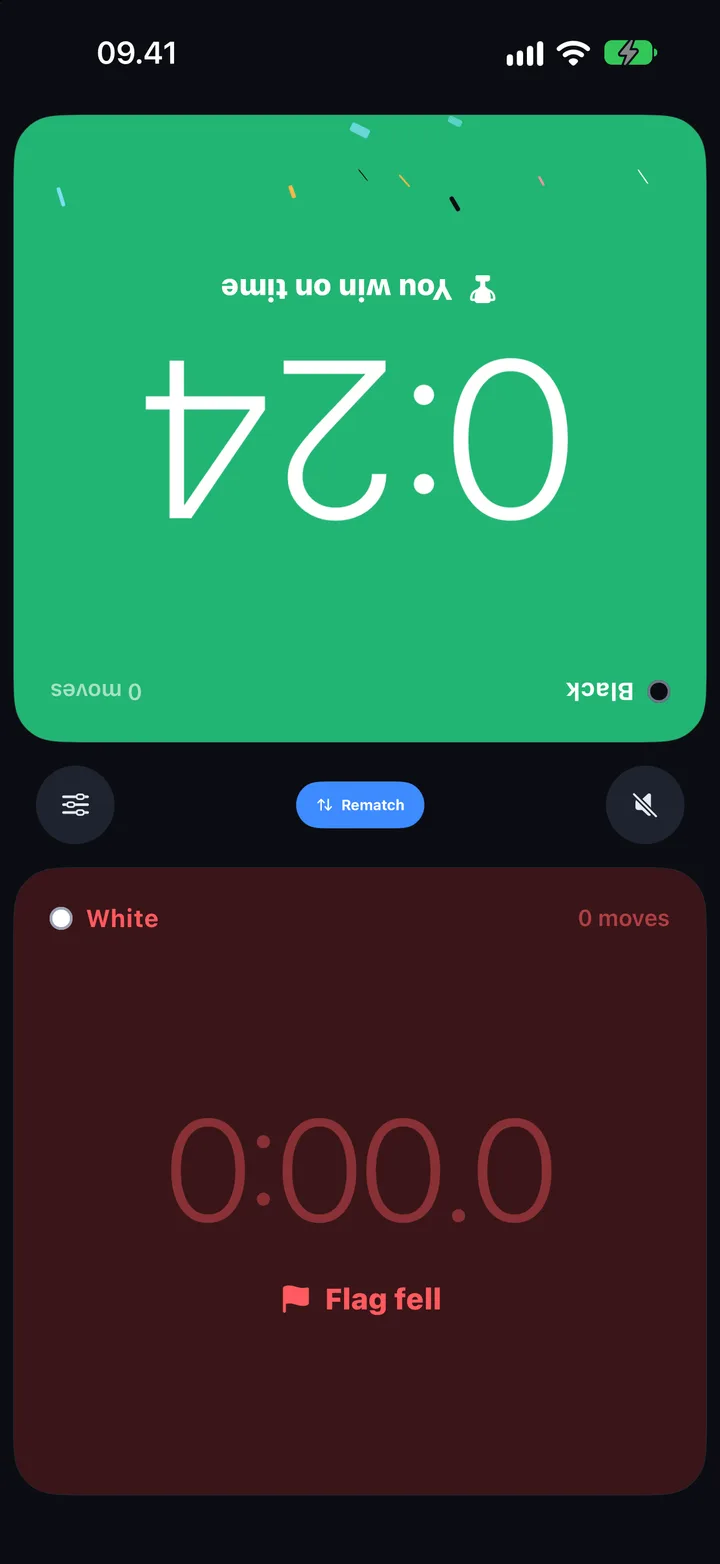
The game ends. The other half turns green, and Rematch swaps colours.
Features
Built for the board, not the screen
Everything a club clock does, and nothing that pulls your eyes off the position.
Readable from across the table
Big, thin digits on a dark screen. Each half faces its player, so nobody reads their time upside down.
The whole half is the button
Tap anywhere on your side to end your move. No small targets to hunt for in a scramble.
Swap colours
White sitting on the far side? One tap before the first move puts White's clock in front of them.
Pause and end safely
Pause stops both clocks. Ending a live game asks for a second tap, so a stray touch never ends it.
One-tap rematch
After a flag falls, Rematch resets both clocks and swaps colours for the next game.
Screen stays on
The phone will not dim or lock in the middle of a game, then sleeps normally once you are done.
Sound and vibration switches
A click on every move and a buzz in time trouble, each with its own switch, plus mute during a game.
Offline, no ads, no account
Nothing to sign up for and nothing to load. It works in a club basement or on a plane.
Screens
Every screen in the app
Straight from the app, on a phone.
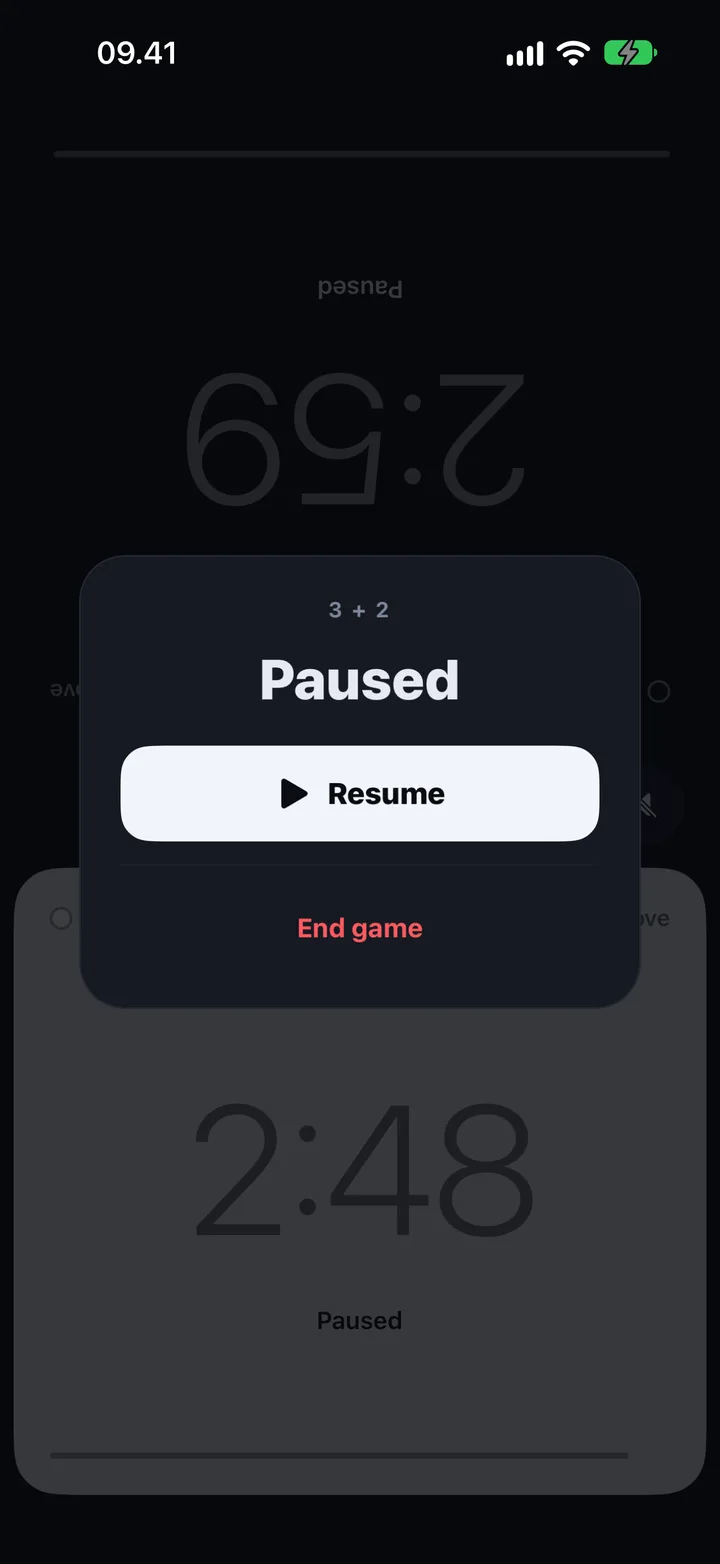
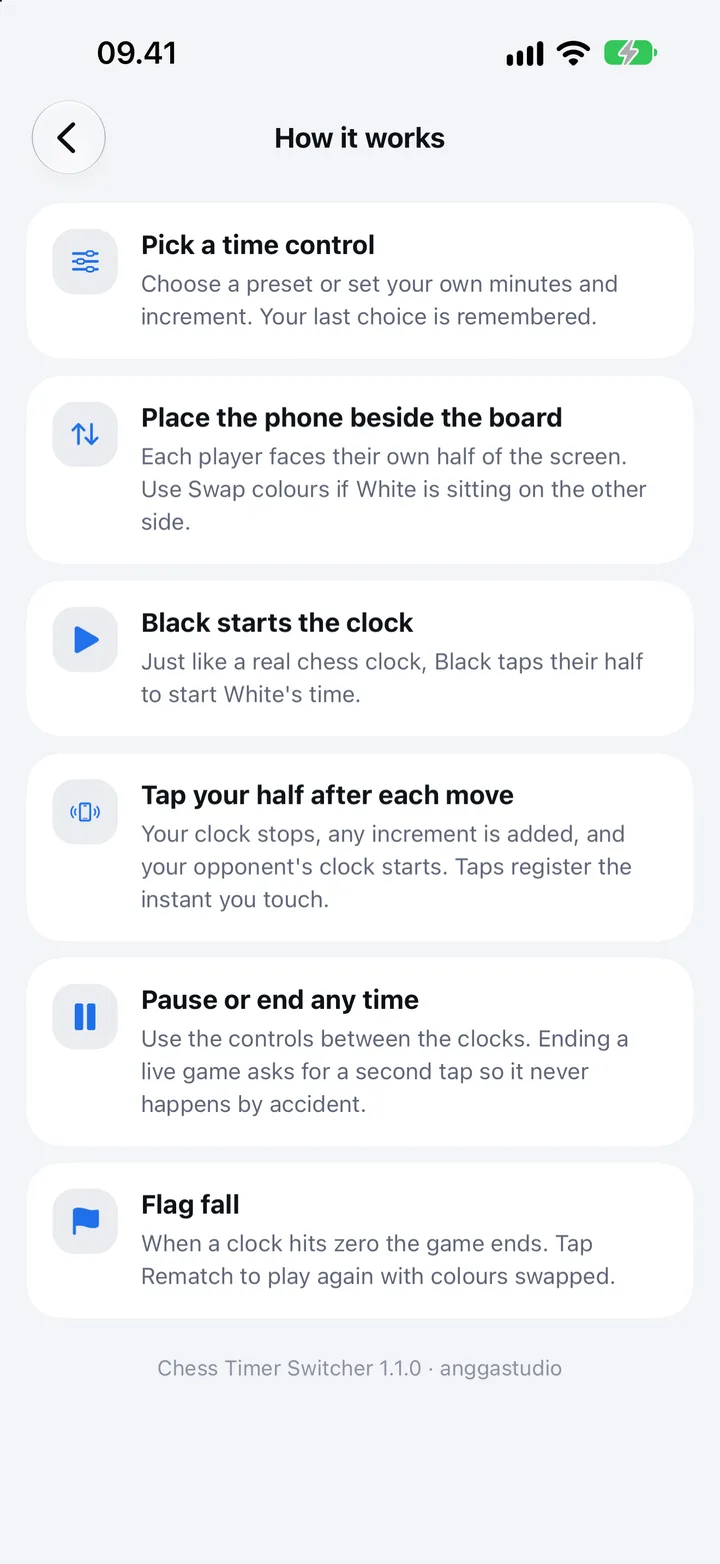
Set up the board. The clock is ready.
Free, offline, no ads and no account. Black taps first.
Free to download for Android. The iPhone version is on its way.